

Before you begin
You need a Quester project and permission to add sources to it. Prepare one of the following:- A
.bibor.risexport from Zotero, Mendeley, or EndNote - Up to five PDF, DOCX, DOC, or TXT files, each no larger than 25 MB
- A bibliography, reference list, or set of DOIs as plain text
- The bibliographic details for one record you will enter by hand
Import a reference-manager library
- Export the library from Zotero, Mendeley, or EndNote as BibTeX or RIS. In Zotero, use File → Export Library….
- Open the project, go to Desk → Sources, and choose Add literature.
- Drop the
.bibor.risfile into the import panel. - Review the number of records Quester found and complete the import.
Upload research documents
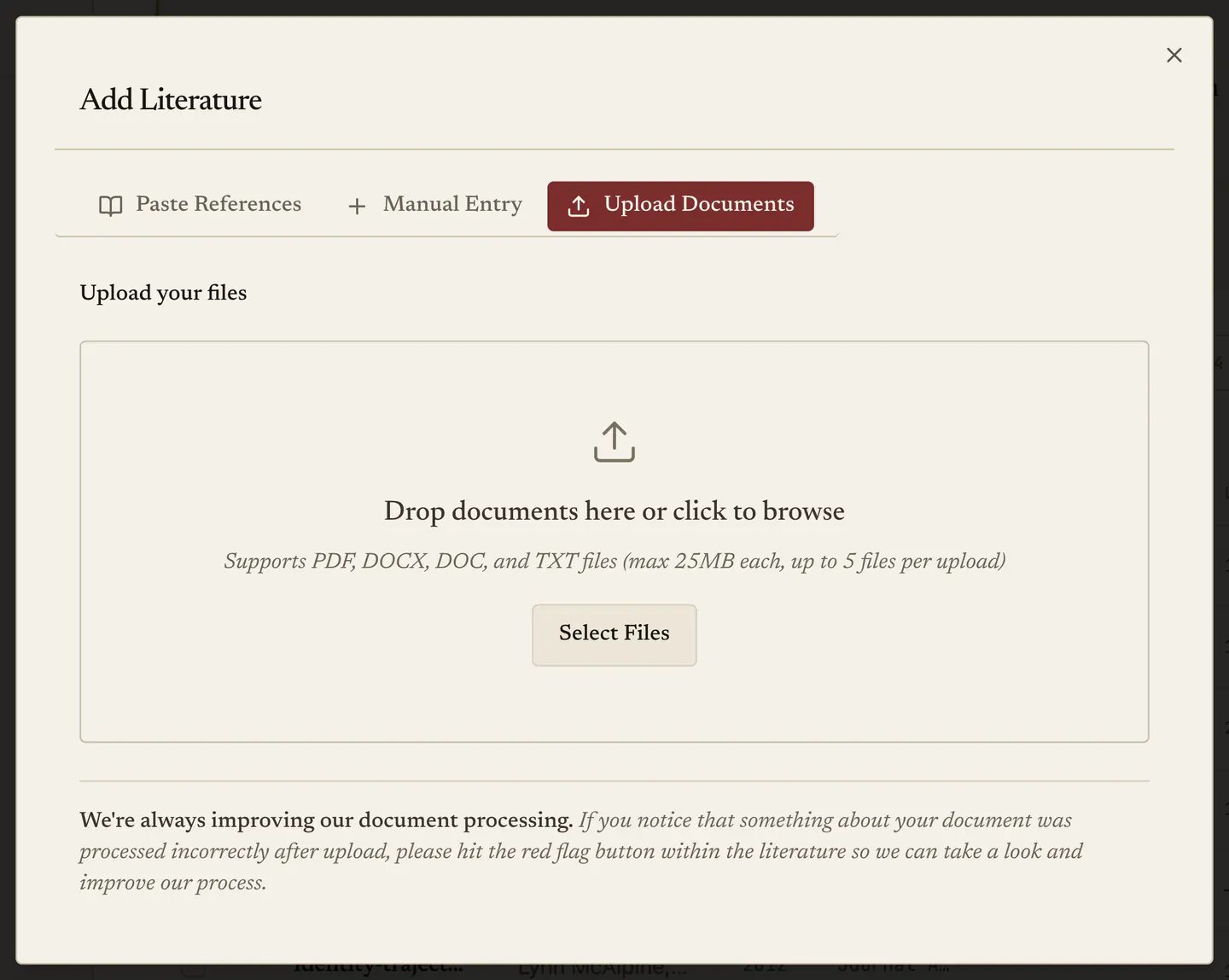
- Open Add literature and select Upload documents.
- Drop up to five supported files into the upload area.
- Keep Fill empty fields only selected unless you deliberately want extracted metadata to replace fields you already corrected.
- Start the upload and leave the queue tray open until every file reaches Completed or Failed.
Paste references or DOIs
- Open Add literature and select the text-import option.
- Paste a bibliography, a reference list, or DOIs separated by blank lines.
- Review each parsed entry. Correct anything marked Needs review.
- Save the entries marked Ready.
Add one source manually
Use the manual-entry tab for records that do not import cleanly, such as a conference presentation, book chapter, or unpublished thesis. Choose the source type first so the form asks for the fields that record needs.Check your work
Return to Desk → Sources and confirm that:- The expected records appear in the list.
- The duplicate count makes sense for a reference-manager import.
- Every uploaded document reaches Completed, or gives you a visible Failed state to resolve.
- A sample record has the correct title, authors, year, and source type.