

General
The project’s name and Project Statement. The Project Statement is the same field as the one-line framing on Overview, and it is worth keeping current for the reason given there, since your advisor reads it at the start of every session and so will you, later, having forgotten what you meant.Designs & references
The rubric your research questions get scored against. When Quester says a question “needs sharpening” on the Overview, it is comparing that question against four design dimensions, being research design, sampling design, measurement design and analytic design. This section sets which designs your project actually uses, drawn from your saved options, with an optional description of each approach. It matters because the scoring is only as good as the rubric behind it: score a qualitative project against a rubric that assumes randomised sampling and you get nonsense, and the fix lives here rather than in the questions. Set these once, early, to match how you actually work, and Questions covers what the scoring does with them.Note sections
The vocabulary your notes get filed under. Quester ships the IMRaD-ish defaults (Introduction, Methods, Results and so on), but they are only a starting list. A project that does not write that way should change them rather than work around them. Add, rename and reorder them here, and the order you set is the order the picker shows everywhere in the app. Removing a section that has notes filed under it will not silently orphan them: the remove expands into a choice, either moving those notes to another section or leaving them unfiled, because the server refuses any path that would lose track of where a note belongs.Advisor
Two controls, both scoped to this project.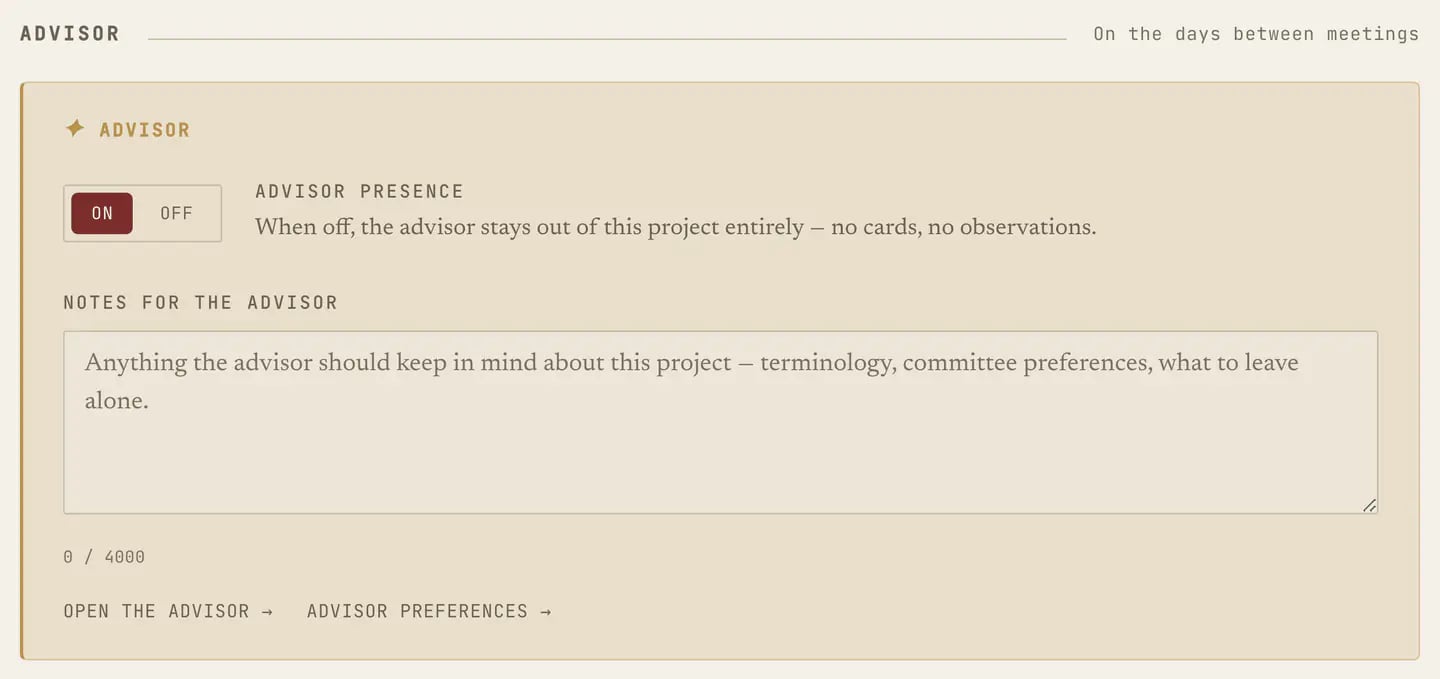
Members
Who works on this project, and what they can do. Workspace membership and project membership are two different things, since being in the workspace lets someone see that a project exists while being a member of the project is what opens its sources, notes and conversations to them. Add workspace members to the project from here, if you manage it. The workspace roster lives elsewhere, under People, as described in Workspace settings.Workspace transfer
Moving a project to a different workspace, when you can reach more than one. There are two forms, moving it into a personal workspace of your own or into another workspace you have access to, and both ask you to confirm twice, because the consequences are real and the dialog states them:- Existing project collaborators lose project-specific access. They belonged to the old workspace.
- The current department link is removed. Departments belong to a workspace.