

Profile
Your own details, plus the two that actually change how you work. Name and email are what other members of the workspace see, and changing your email goes through a confirmation step since it is also how you sign in. ORCID wants the full URL form,https://orcid.org/0000-0000-0000-0000, and validates against that shape, so a bare identifier gets rejected. Add it if you have one, because it belongs with your scholarly identity rather than buried in a profile nobody opens twice.
Language switches the interface between the supported locales, changing the app’s own text without translating your sources, your notes, or anything your advisor writes.
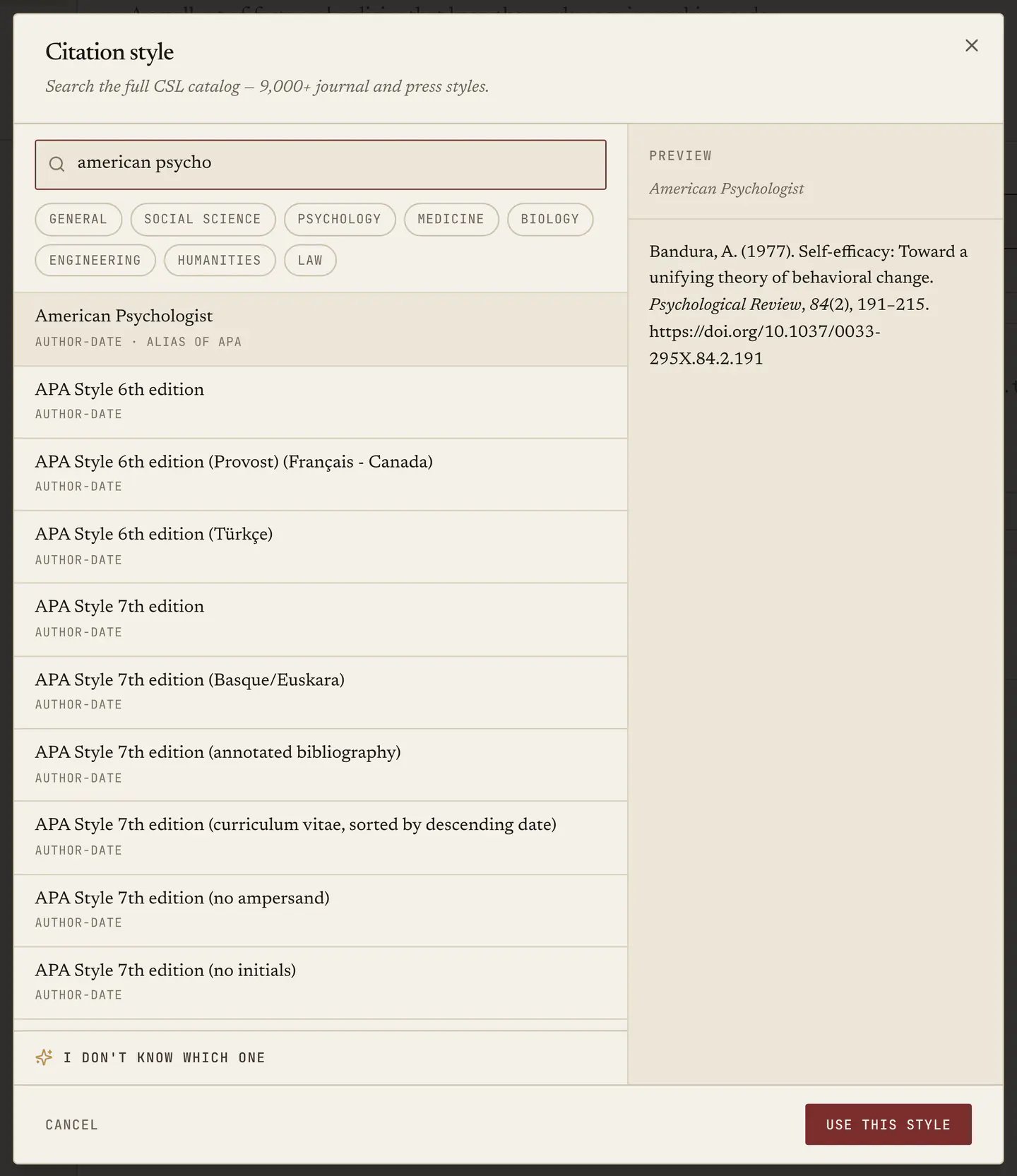
Citation style sets your default across the app, and it is the one to get right early, because it decides what References proposes, what “Cite this” gives you on a source, and what your exports come out as. The picker searches the full CSL catalogue, so a departmental house style is almost certainly in there, and References covers how it gets used.
Organization
The workspace’s name, and the policies that decide what members can do without asking permission. Five toggles, each a plain sentence:- Invitations are open. Whether anyone can be invited at all, so turning it off closes the workspace.
- Members can invite. Whether ordinary members, and not only administrators, can bring people in. Owner only.
- Members can create projects. Whether a member can start a new project.
- Members can create departments. Whether a member can add a department. Owner only.
- Admins can create departments. The same, for administrators. Owner only.