The masthead
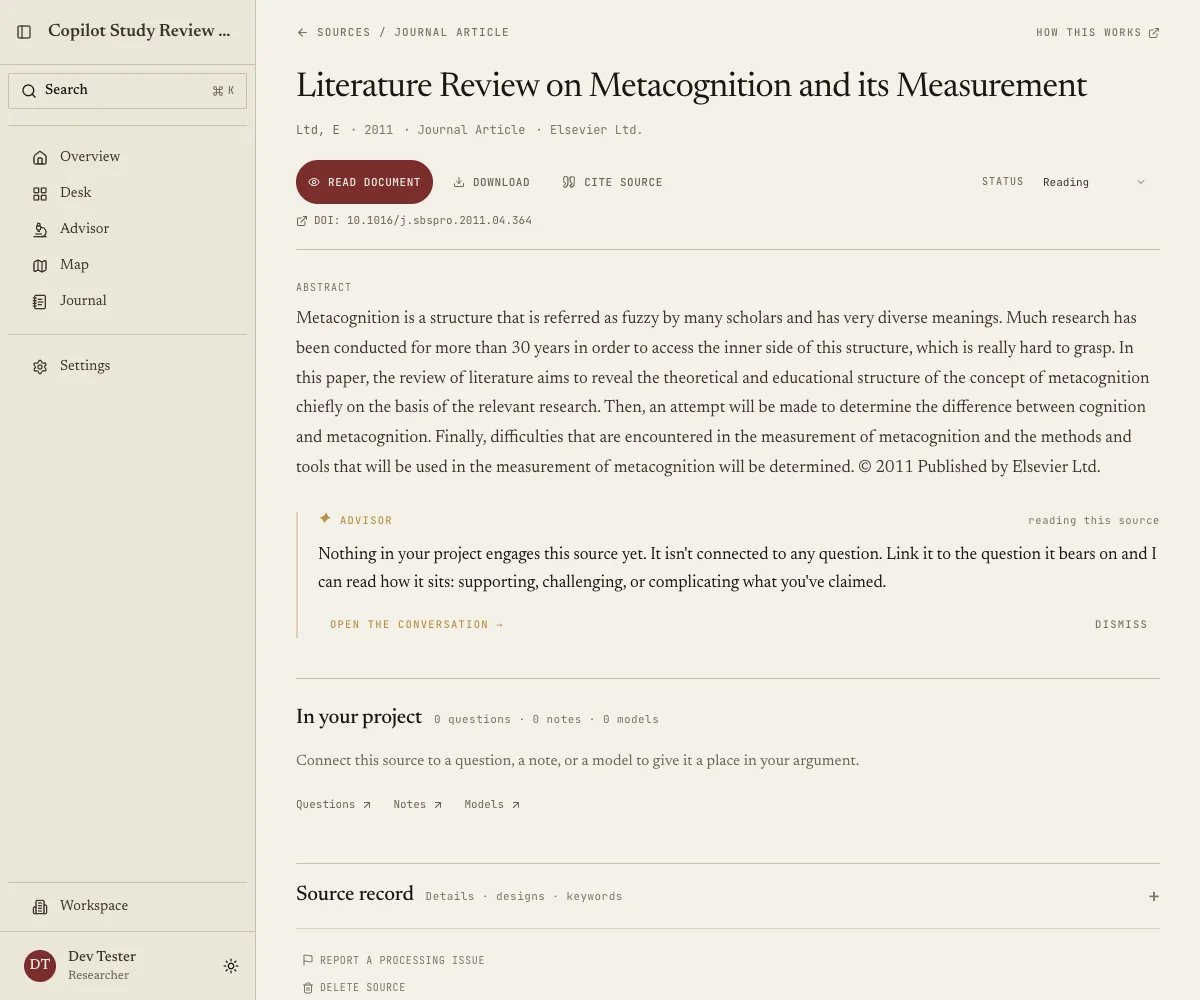
Title, authors, and publication facts identify the source. Expand Source record and choose Edit details to correct them; the changes also update the source’s citations.What your advisor makes of it
The advisor adds a short note about this source in the context of your project, covering how it bears on your questions and where it agrees or disagrees with what else you have, with Open conversation carrying it into the Advisor with this source already in scope. The commentary sits below the abstract across the available width. Longer responses start with a preview: choose Read more to reveal the full text in place, and Show less to return to the preview. Notice that it is not a summary, since a summary of a paper you can already read is close to worthless. The hard part is seeing how one paper sits against forty others you half-remember, and that is what this note goes after.In your project
The real connections, meaning which of your research questions this source bears on and which of your notes cite it. This section answers “why did I save this?”, a question that gets harder every month, and an empty section means the source is not yet doing any work in your project, which is fine for something you imported yesterday and telling for something you imported a year ago.Details
Inside Source record, the full bibliographic record of authors, editors, publisher, volume, issue, pages, conference and chapter, with the fields that suit the type. Edit details fixes anything wrong, and this matters more than it looks, because these fields are what References formats into your bibliography, so a mistake here ends up in your thesis. Give anything you plan to cite a quick pass. For sources carried over from the earlier version of Quester, existing titles, keywords, and design selections and descriptions are protected from automatic replacement during reprocessing or Advisor updates. You can still correct them yourself.Designs
Also inside Source record, four dimensions, being Research, Sampling, Measurement and Analytic, with anything you have not recorded reading “Not specified”. Filling these in is optional and pays off in aggregate instead of one paper at a time, because recorded across a library they are what Composition reads to tell you your corpus is 80% cross-sectional survey work. That kind of finding changes a methods chapter, and you cannot see it one abstract at a time.Keywords & terms
Inside Source record, the terms this source uses, and how they sit against the vocabulary of the rest of your corpus, which feeds Terms and draws from it.Read, cite, and track progress
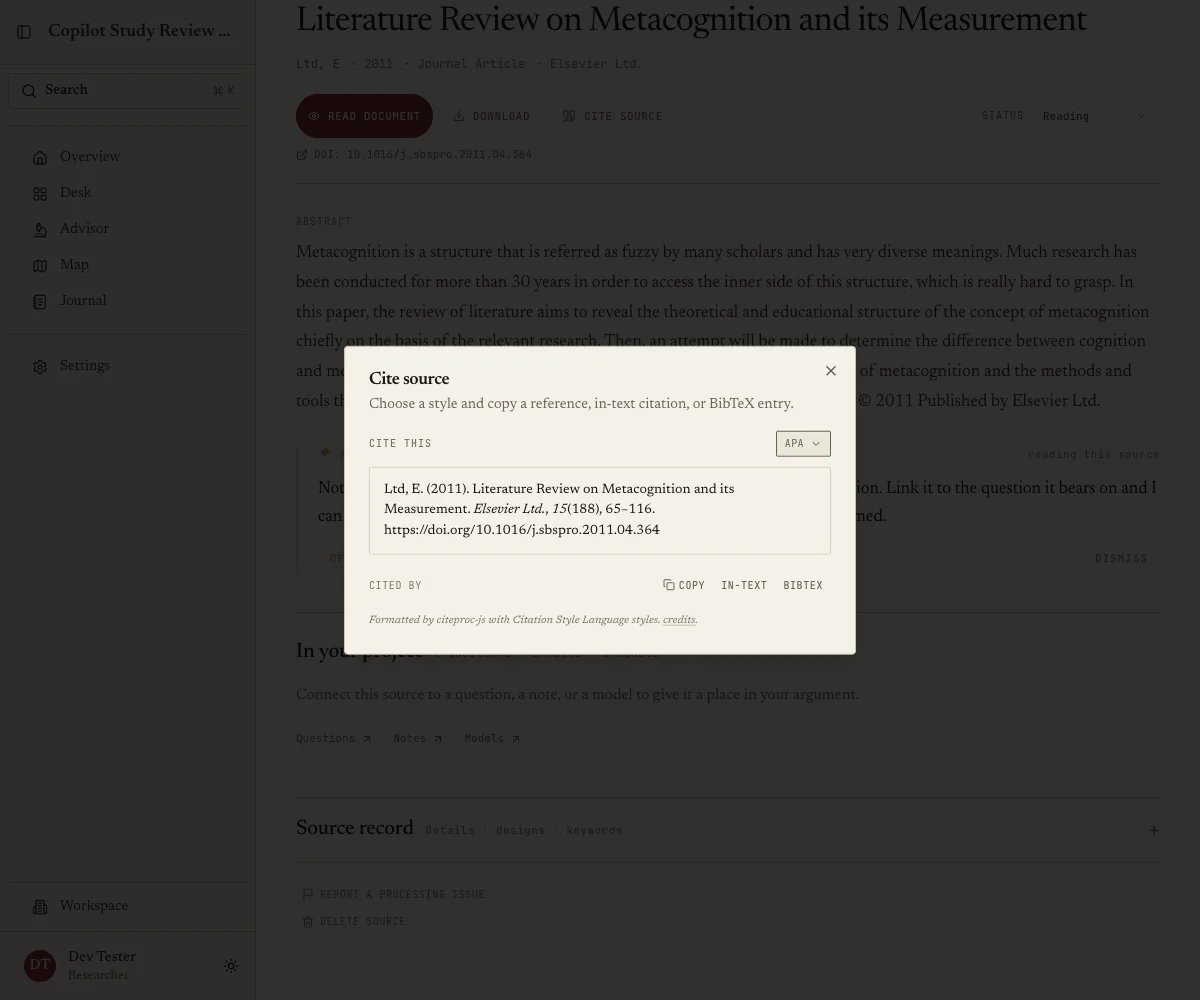
Status, running Not started, Reading, Note taking, Completed and Archived, which you set here as you work, since this is what makes the library filterable back on Sources. Cite source opens a dialog giving you the formatted reference in your citation style, the in-text citation and the BibTeX entry, each with a copy button, and letting you switch style for this one lookup without touching your project default. It is the fastest path from reading to writing, since you copy the in-text citation into your draft and carry on.